
Weekly Summary
The Weekly Summary Email delivers the latest giving metrics right to your inbox each Monday morning — keeping you, your team, and your pastor aligned and informed. You can sign up to receive this email through your SecureGive admin portal.
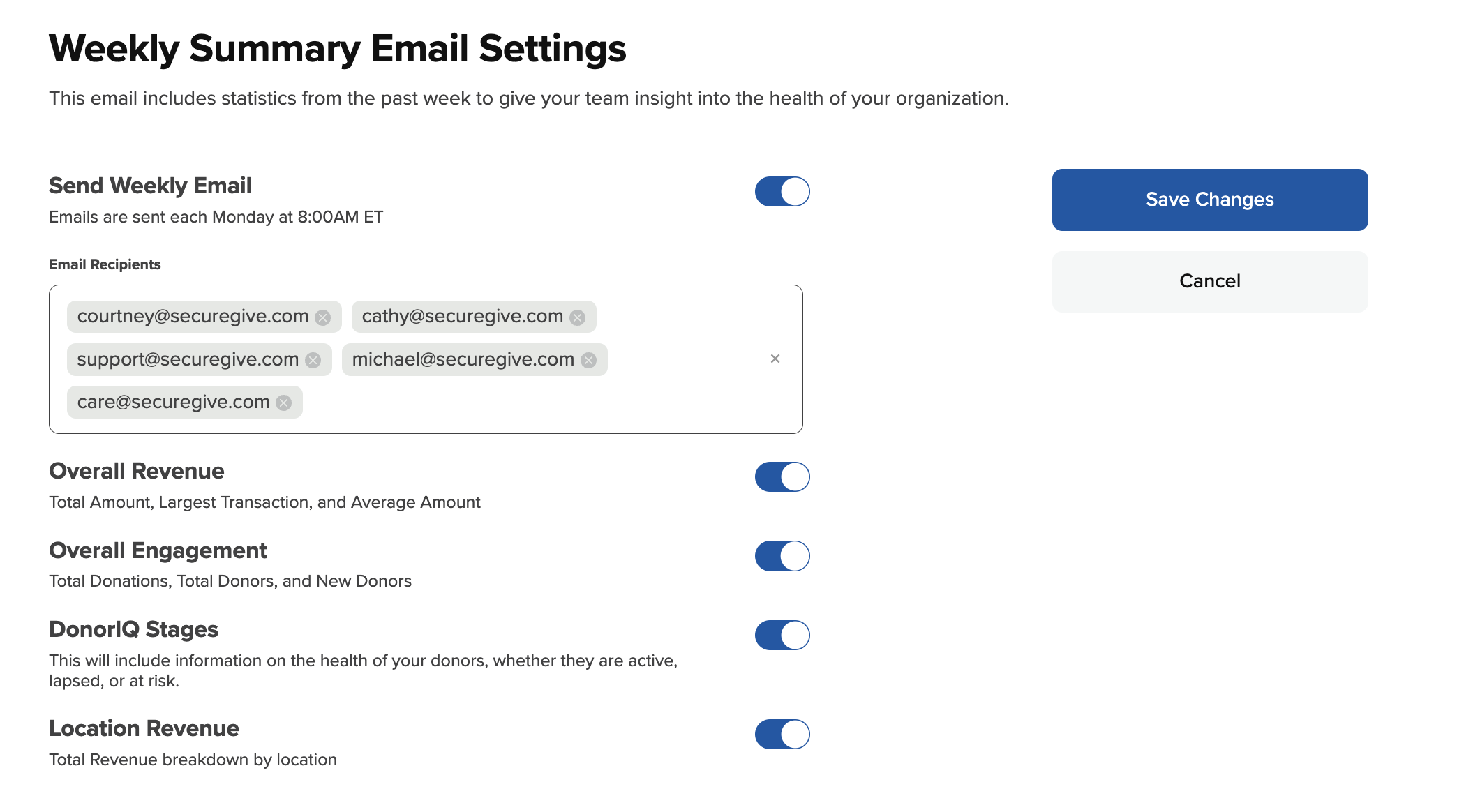
- Go to Analytics > Weekly Summary
- Turn on the Send Weekly Email toggle
- Enter the email addresses that you would like to receive the email in the blank. They can be separated by comma or spaces.
- Turn on/off the toggles of the metrics you would like to receive/omit.
- Press Save Changes
Was this article helpful?0 out of 0 found this helpful