
- Go to app.securegive.com and sign in.
- In the upper right corner, click on your User Account Icon and go to Recurring Transactions.
- You'll see a list of all active recurring transactions you have set up under your account and the organizations they are associated with.
- Click on the Paused tab to view all recurring transactions that are currently paused.
- Click View/Manage to go to the Recurring Details page.
- From there, you'll be able to use the buttons below to manage your recurring.
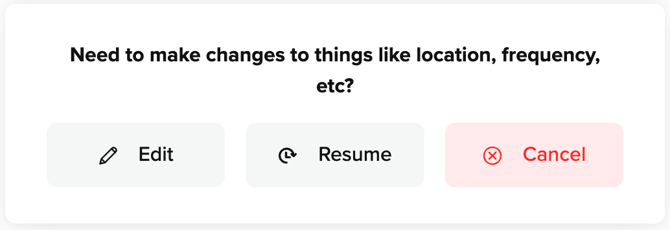
- To resume your recurring transaction, select the Resume button, and then select the Confirm button in the pop-up that displays. Your recurring transaction will now process on the next scheduled date.