Cryptocurrency Giving
Cryptocurrency giving in SecureGive allows you to easily initiate a donation that is completed via your crypto wallet
- Visit your organization's SecureGive giving page
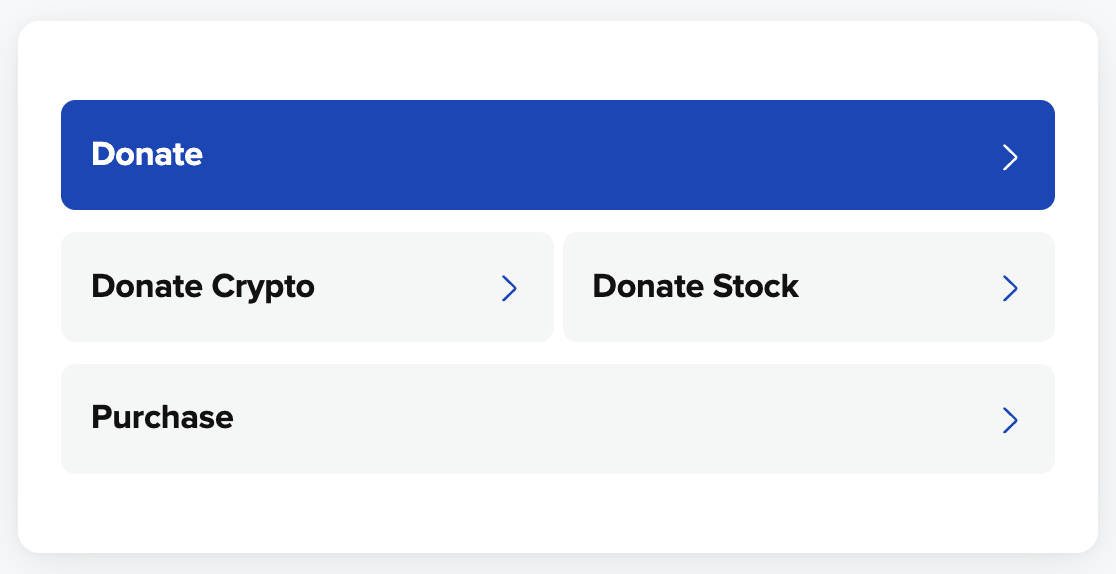
- Click the Donate Crypto button
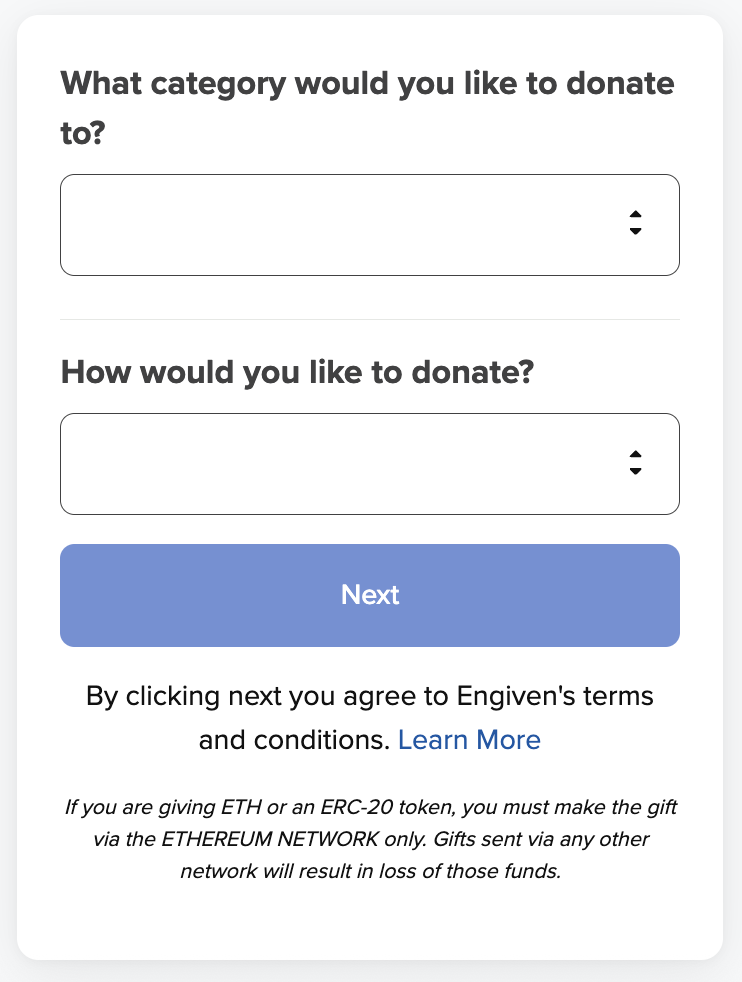
- Choose the donation category you would like to give to (only one category can be selected), and then choose the cryptocurrency type.
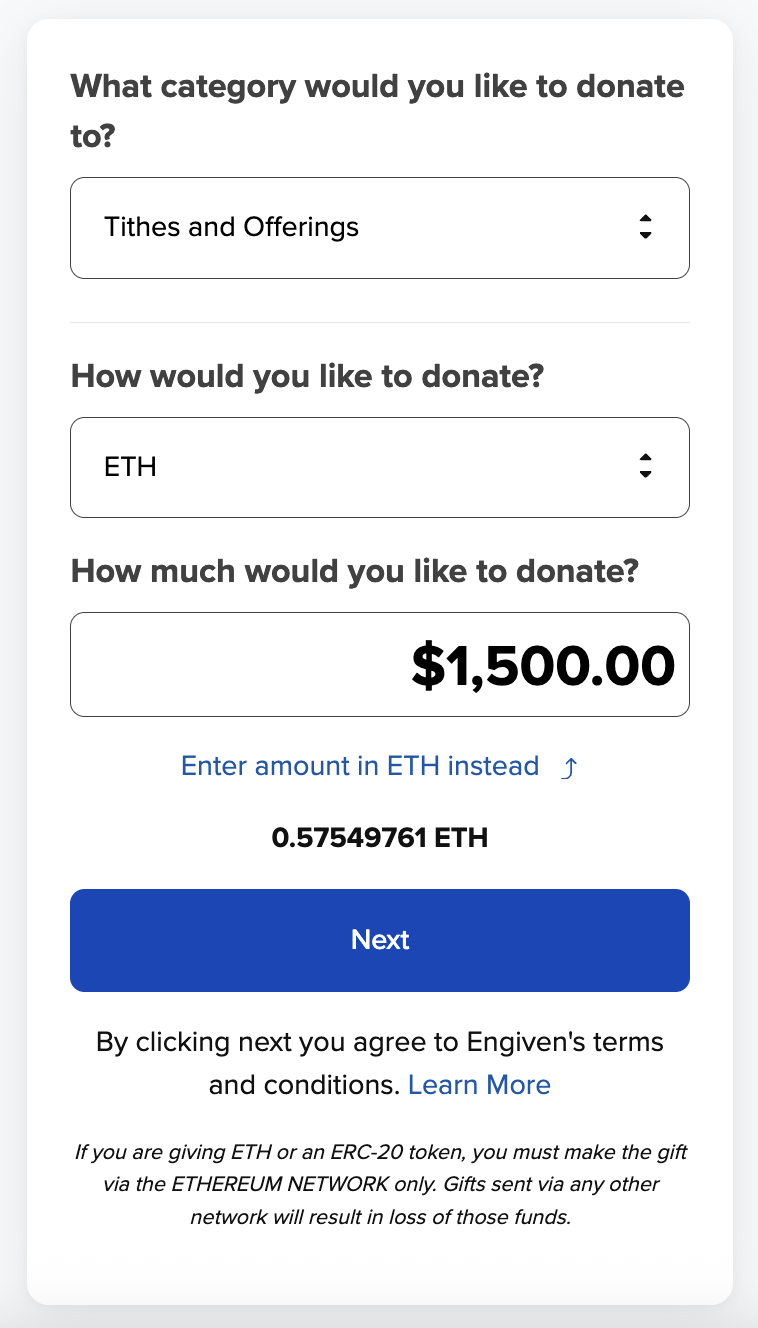
- Enter a donation amount (you can toggle between entering the donation amount in dollars or cryptocurrency), and then select Next: Payment Details.
- Sign in, Sign up, or give as a guest
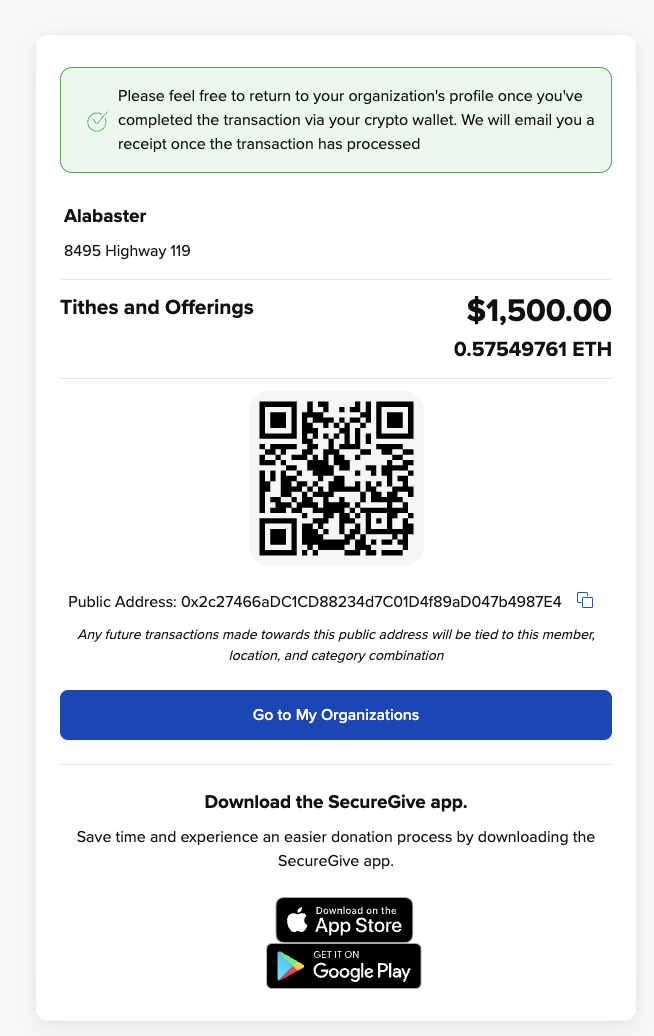
- Use the generated QR code or public address to complete the transaction via your cryptocurrency wallet. You will be emailed a receipt once the transaction has processed. Any future transactions made towards the public address will be tied to your profile and will retain the location and category combination.