
Close The iPad Kiosk App
Follow the steps below to close the SecureGive Kiosk app without having to access the iPad's Home button.
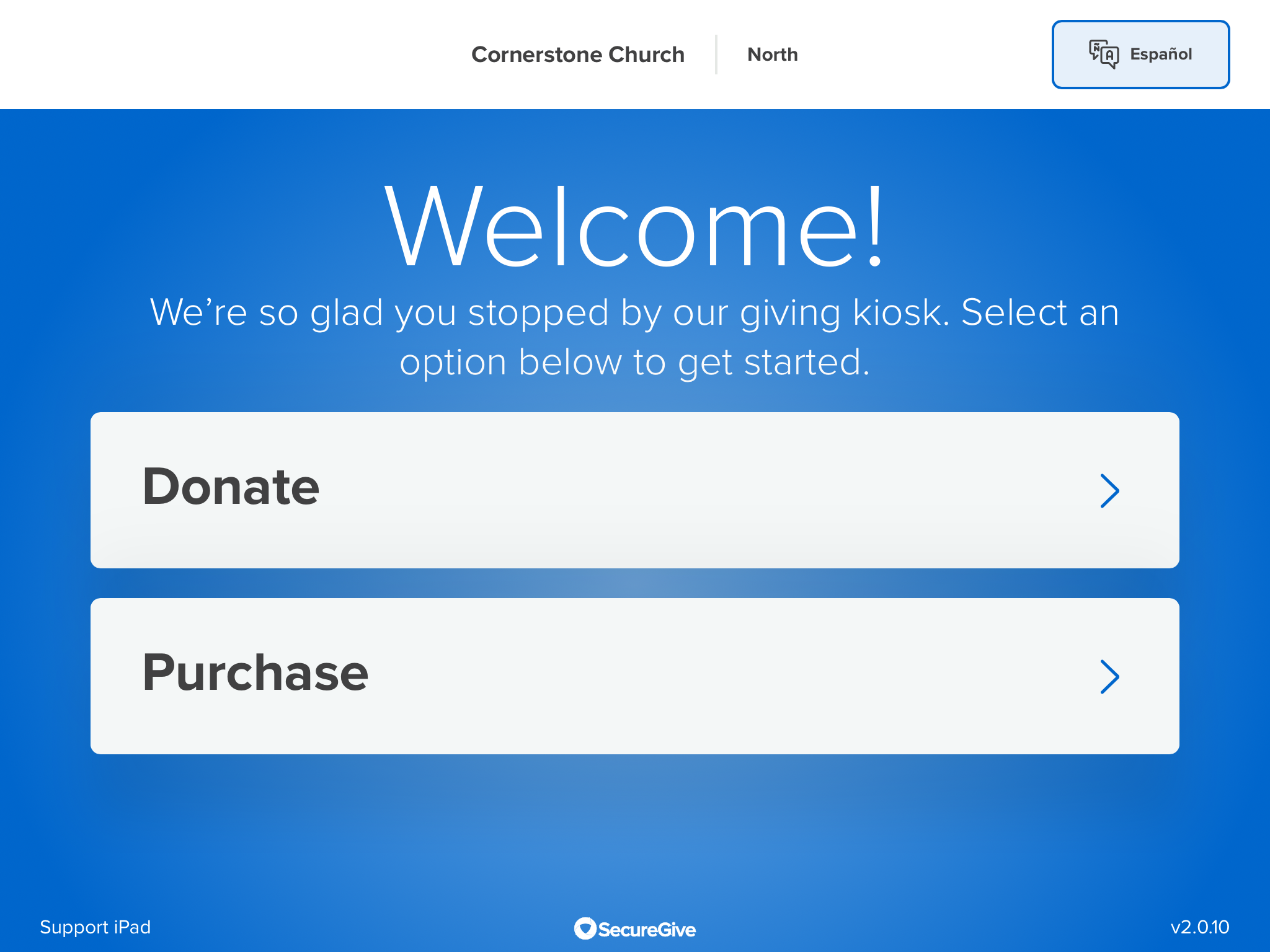
- Tap the kiosk app version number (v2.0.10) in the bottom right corner.
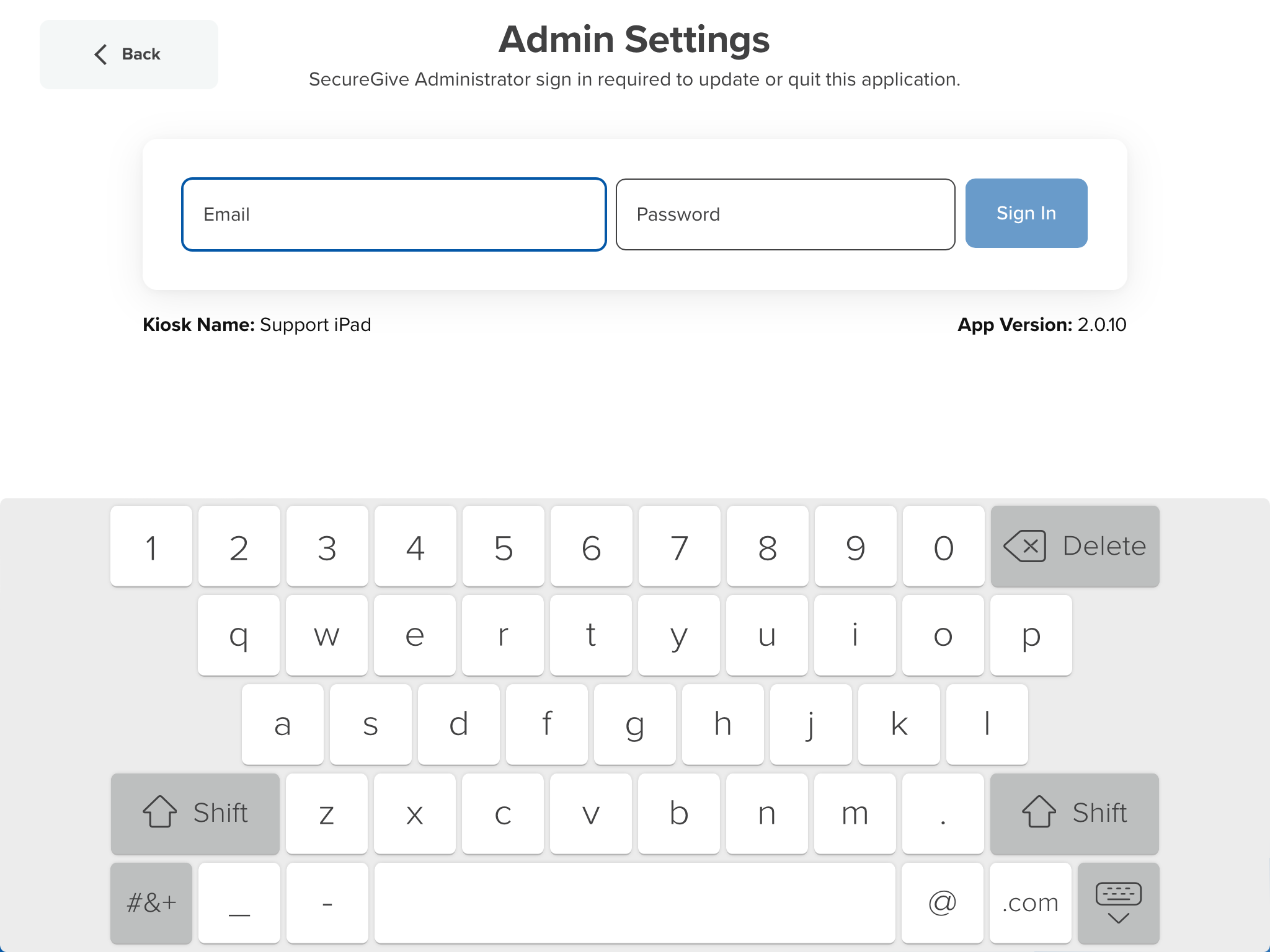
- Enter your admin email and password. Then tap Sign In.
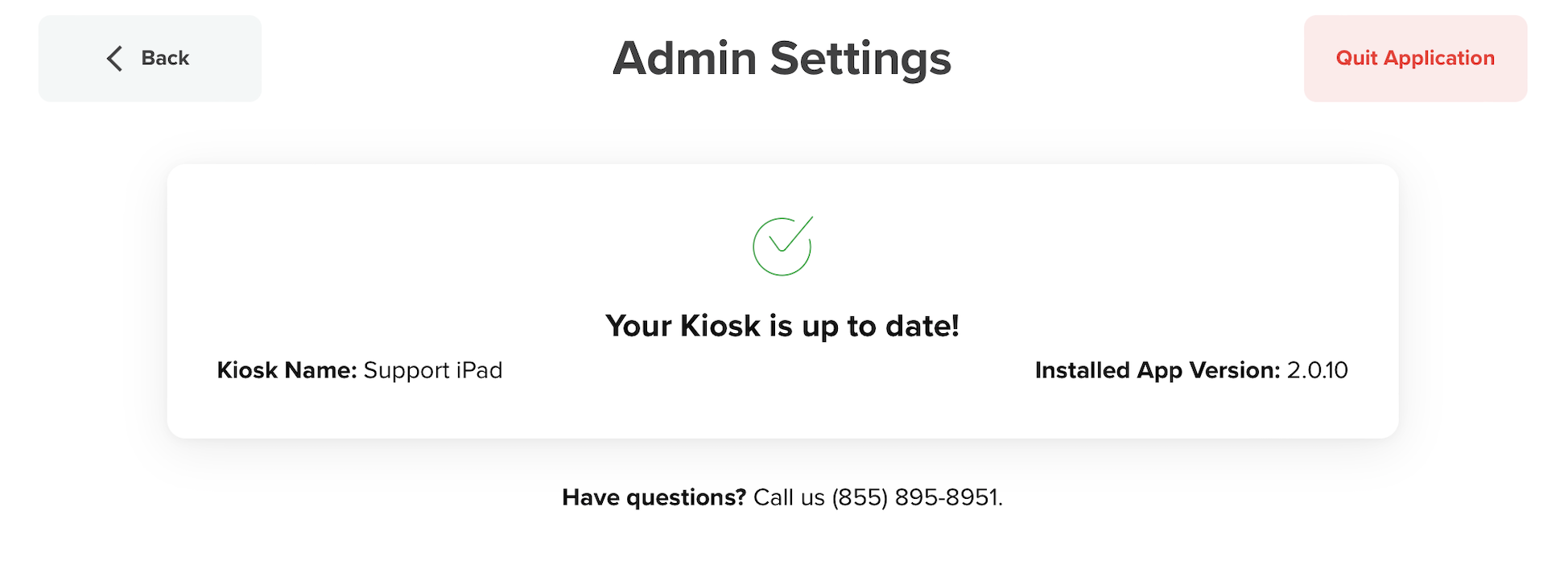
- Then tap the Quit Application button to close the kiosk app.
Was this article helpful?4 out of 5 found this helpful